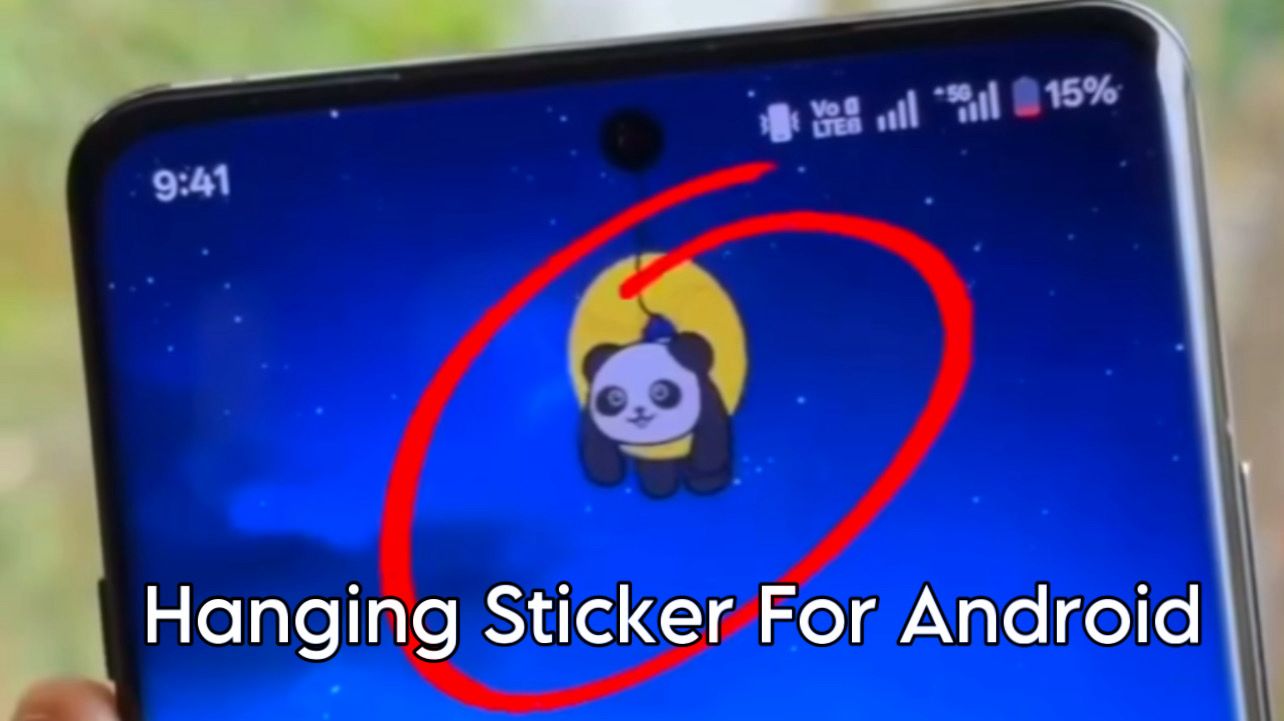
How to Add Hanging Stickers on Mobile Phone Screen
Hanging stickers on mobile phone screens are becoming very popular. These stickers look like small objects, emojis, or characters hanging from the top of the screen, giving your phone a stylish and unique look. You can add hanging stickers easily using apps, without any technical knowledge.
What Are Hanging Stickers?
Hanging stickers are animated or static stickers that appear on the edges of your mobile screen, usually hanging from the top like decorations. They move slightly when you touch the screen or open apps, making the phone look attractive and fun.
Requirements to Add Hanging Stickers
To add hanging stickers on your mobile phone, you need:
- An Android smartphone
- Internet connection
- A hanging sticker or edge decoration app
No rooting or special settings are required.
Step 1: Download a Hanging Sticker App
First, open the Google Play Store.
- Search for keywords like:
- “Hanging stickers on screen”
- “Edge stickers”
- “Screen decoration app”
- Download any well-rated app
Make sure the app has good reviews.
Step 2: Open the App and Grant Permissions
After installing:
- Open the app
- Allow necessary permissions such as display over apps
- These permissions are required for stickers to appear on the screen
Without permission, stickers will not show.
Step 3: Select Hanging Stickers
Inside the app:
- Browse different hanging sticker designs
- Choose stickers like chains, emojis, cartoon characters, or decorations
- Select the “Top Screen” or “Hanging” option
You can preview how the sticker will look.
Step 4: Adjust Position and Size
Customize the sticker according to your preference:
- Adjust size (small or large)
- Change position (left, center, or right)
- Set transparency or animation speed
This helps match the sticker with your phone’s wallpaper.
Step 5: Apply and Enjoy
Once settings are done:
- Tap on Apply or Enable
- Exit the app
- The hanging sticker will now appear on your mobile screen
It will remain visible while using apps or on the home screen.
Tips for Best Experience
- Use light stickers on dark wallpapers
- Avoid too many stickers to prevent distraction
- Choose low-battery-consuming stickers
- Turn off stickers while gaming
Final Words
Adding hanging stickers on your mobile phone screen is a simple way to personalize your device and make it look trendy. With just one app and a few taps, you can give your phone a fresh and creative appearance.


